Getting Started
Getting started with the CleverConsult AI Scribe

Your scribe is activated and it's ready to save more documentation time! Here's how to get started.
Scribe templates are available in the drop down in the middle of the screen. Select whichever you want and the note will switch to the other template.

For the scribe controls, make sure you select either in person/phone OR Video visit to start recording.

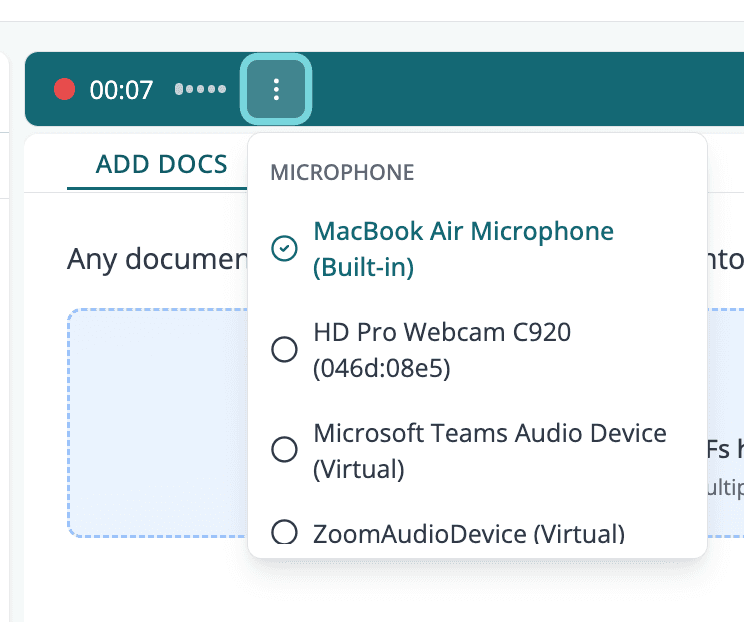
Once you start, make sure you allow the microphone permission to the device and select a microphone. The audio meter should dance when sound is coming through. Soon we will add streaming so you can see the transcript in real time.
To stop, press any of the buttons: pause, done, discard

The last thing is to make sure you ask the patient for consent to record the visit.
If you'd like to edit your templates, navigate to Profile > My Templates, select your template and adjust your instructions.
You're all set! Happy Scribing!
Related Articles
Check articles from the same category