Getting Started
When the fax goes down
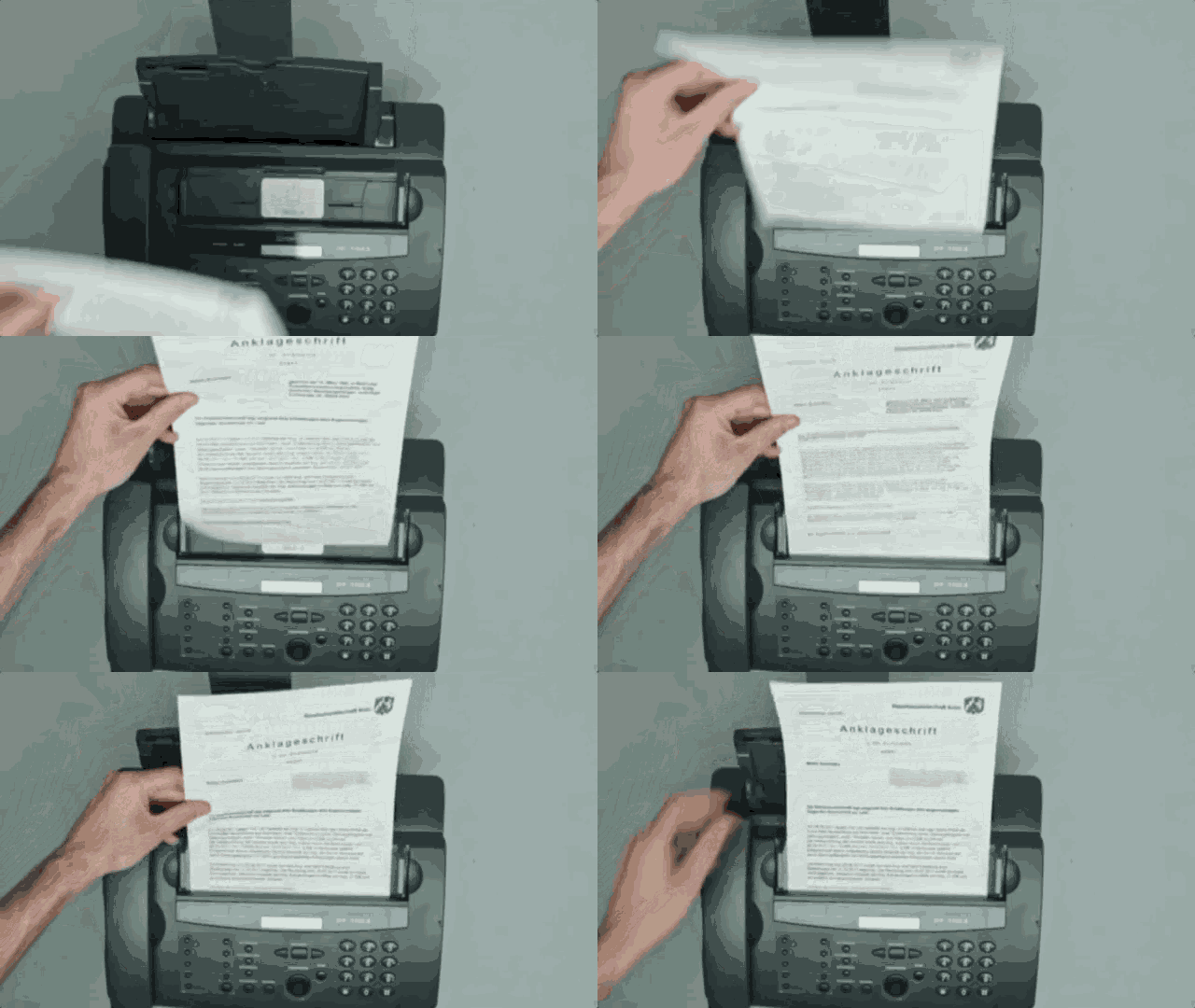
Fax issues happen. Sometimes the outbox in your EMR gets jammed, and sometimes service providers experience outages. When that happens, you do not need to stop working or wait for the fax to recover.
You can continue immediately by uploading the documents directly.
The recommended workaround
Download the documents as PDFs
Save the faxed documents from your EMR to your computer as PDF files.
Upload the PDFs directly
Go to the upload screen in the app and select the files from your computer.
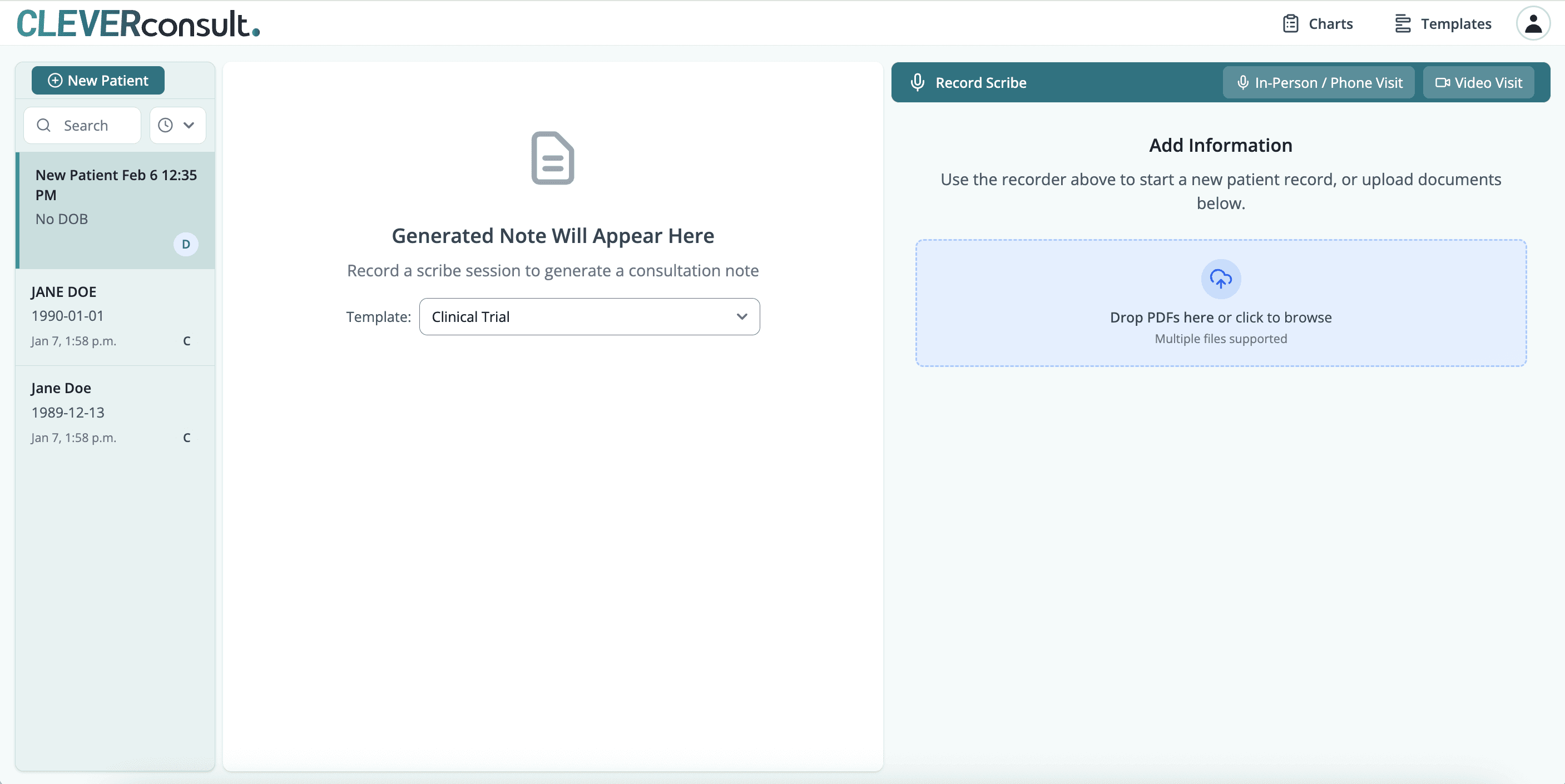
Upload multiple files at once to save time
You can select and upload several PDFs in one action, which is especially helpful when catching up after a delay.
Once uploaded, the documents are processed exactly the same way as faxed files. There is no difference in output or quality.
Still having issues?
If you are unable to download your documents or have questions about uploads, contact support and we will help you get unstuck quickly.
Related Articles
Check articles from the same category